UNDERCROFT
Dig deep. Keep the lights on. Build out from the entrance, assign residents to the rooms that suit them, and keep Power, Food and Water from running dry. Free, no account, and it works offline once installed.
- Free
- No account
- Works offline
- Your save stays on this device

Build down. Look after the people inside.
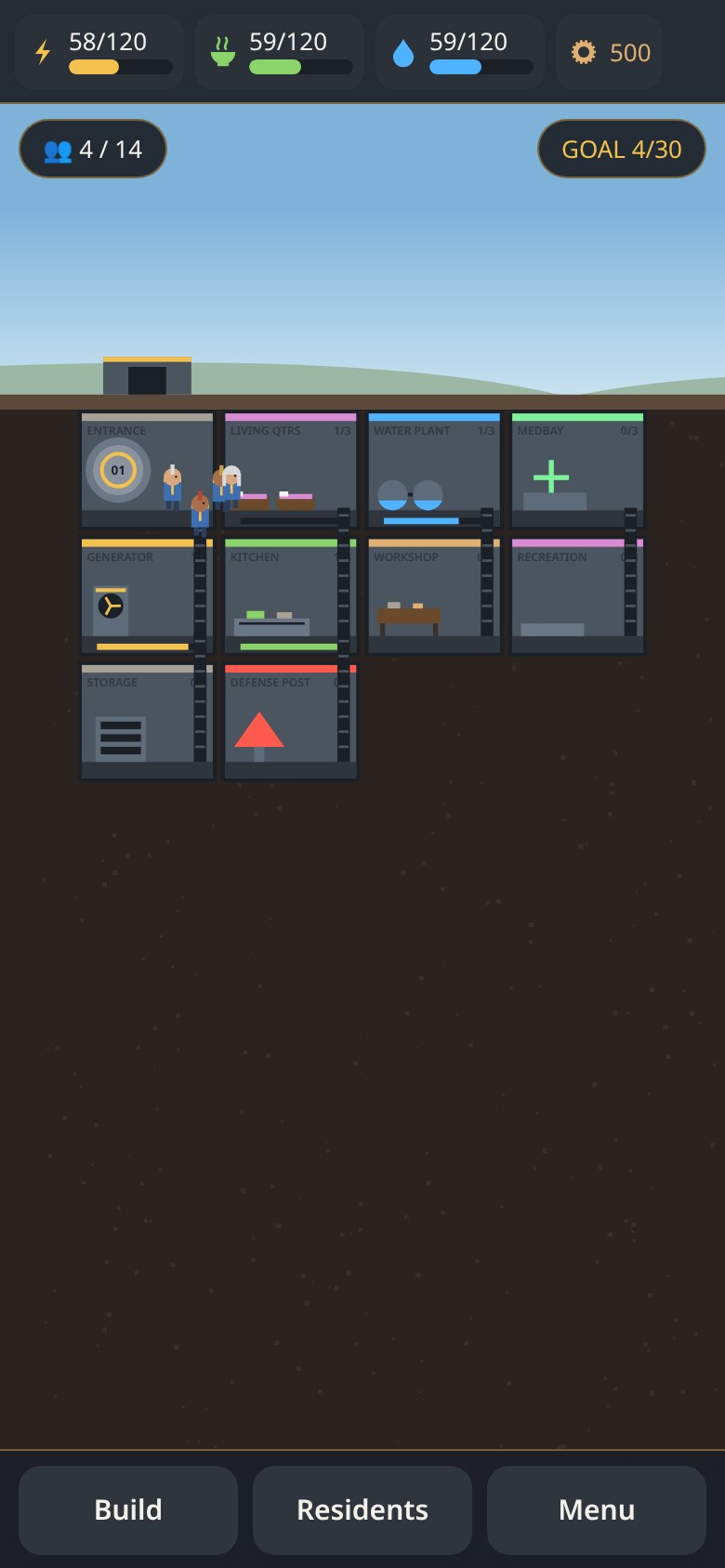
Everything starts at the entrance. Rooms have to touch a room you already have, and residents have to be put to work or they will not keep the place running.
Nine kinds of room
Generators, kitchens and water plants keep supplies up. Living quarters take in new people. Workshops earn caps. Storage, medbay, defense and recreation keep the place standing.
Residents with a job
Each person has Strength, Agility and Perception. Drag them into a room. The right stat makes a cycle faster, heals quicker or holds threats back.
Keep the lights on
Power, Food and Water drain over time. If food or water run out, people get sick. If no one is left below, the undercroft falls silent.
A clear goal
Reach 30 residents with Power, Food and Water all above 50% at the same time. You can keep playing after that.
Fires and rats
Incidents break out in rooms. Assign someone and tap to deal with them. A defense post makes them rarer and weaker.
It remembers you
Your undercroft is saved on this device. Come back later and the game catches up with the time you were away, then lets you carry on.
Built to be held upright
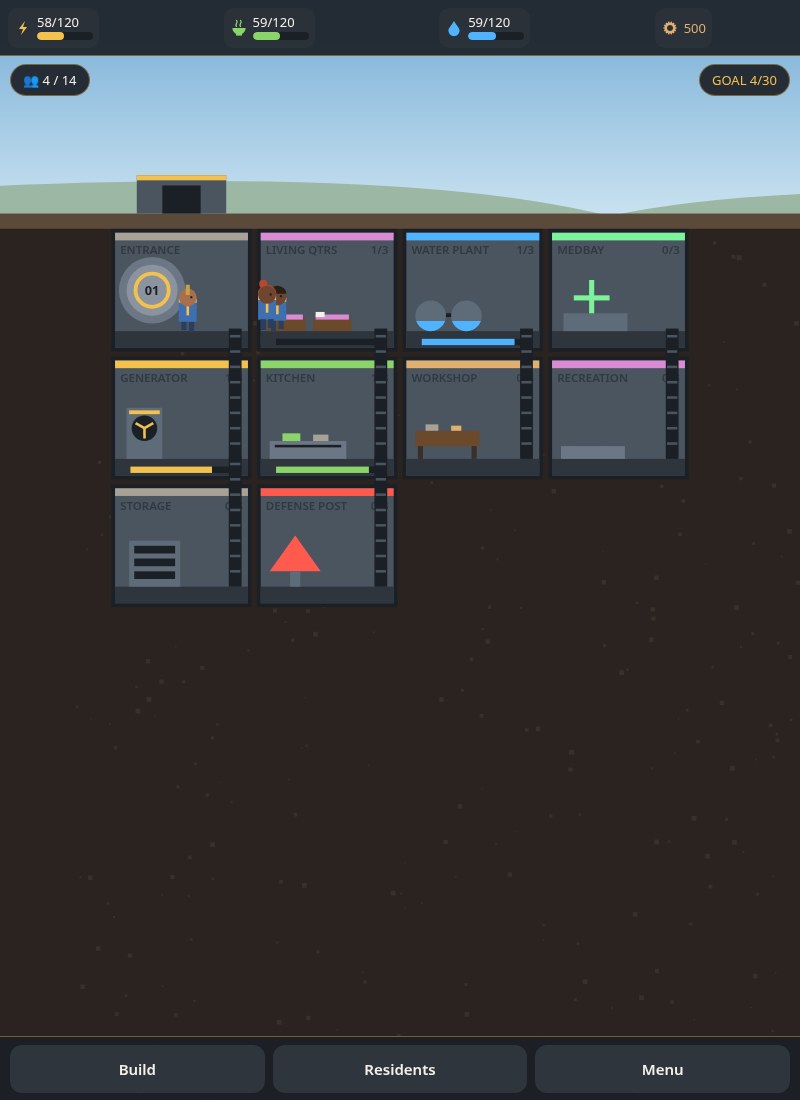
Undercroft is a portrait game. On a phone, turn it the long way up. On a computer, use a tall window — a wide one will ask you to rotate.
Put it on your home screen
Undercroft is a web app you can install. Once it’s installed it opens like any other game and keeps working without a signal.
Android & Chrome
Open Undercroft and tap Install in the top-right corner. If you don’t see it, use the browser menu → Install app.
iPhone & iPad
Open it in Safari, tap Share, then Add to Home Screen.
Computer
In Chrome or Edge, click Install in the top-right, or the install icon in the address bar. Use a tall window so the game can sit upright.
Your undercroft stays with you. The save, and your sound settings, are kept in your browser on this device. Nothing is uploaded, and there’s no account to make.