Recordly
Van services, sleep, camping trips, medicine, the garden. Build a log for whatever you want to keep track of, with exactly the fields you need, and fill it in from your phone in seconds.
- Free
- No account
- Works offline
- Your data stays on your device
Make it fit your life
Recordly starts empty apart from a short built-in guide. Every log after that is one you design.
Your own fields
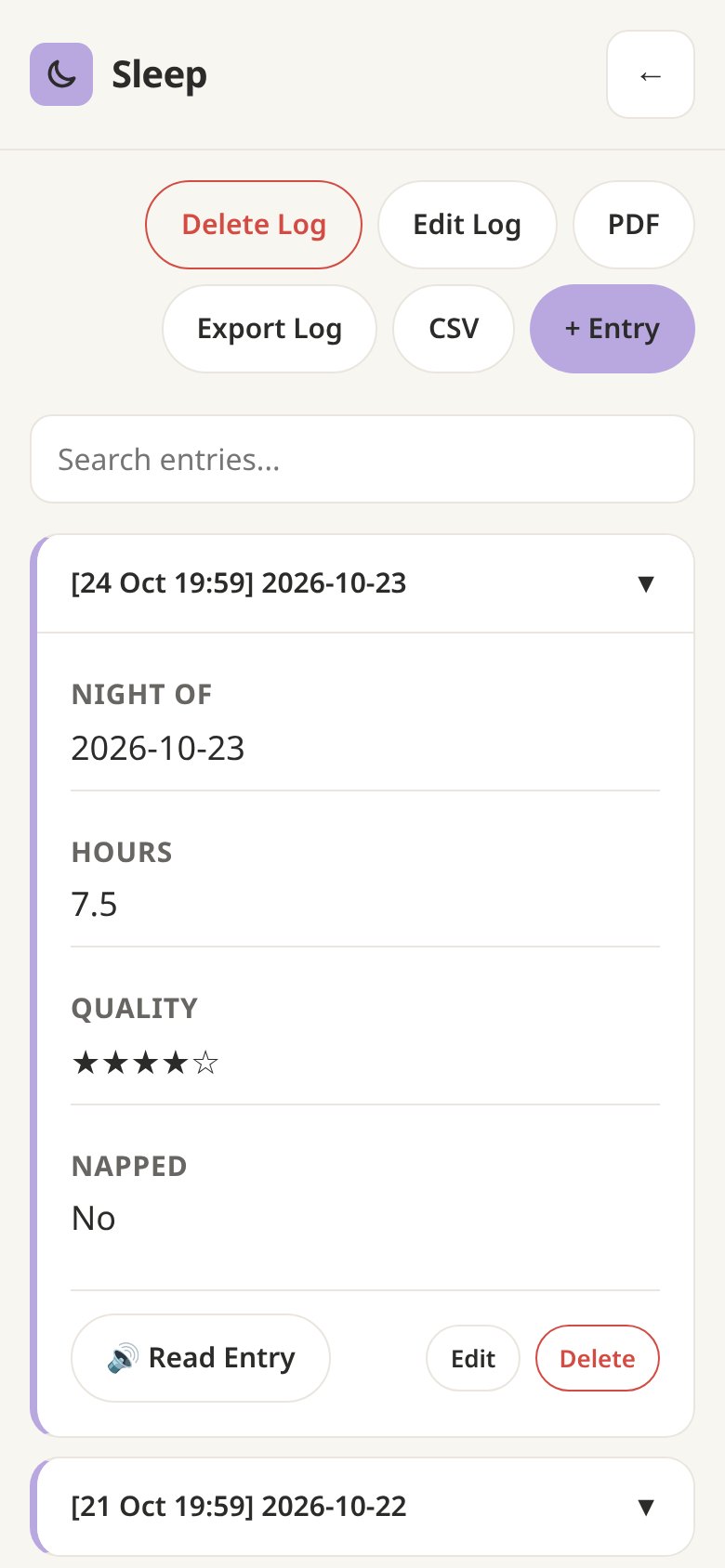
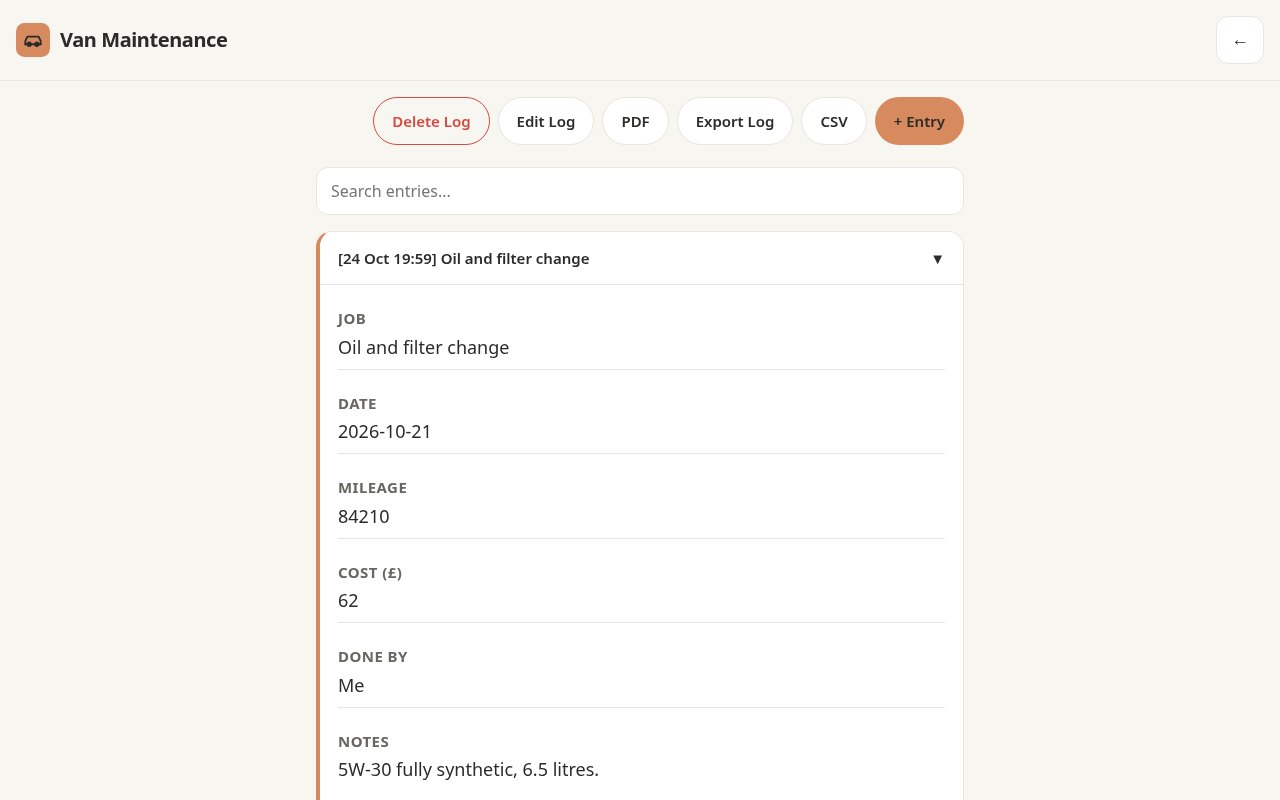
Mix text, numbers, dates, times, photos, dropdowns, checkboxes and 1–5 star ratings. Make any field required, and pick which one titles each entry.
Easy to tell apart
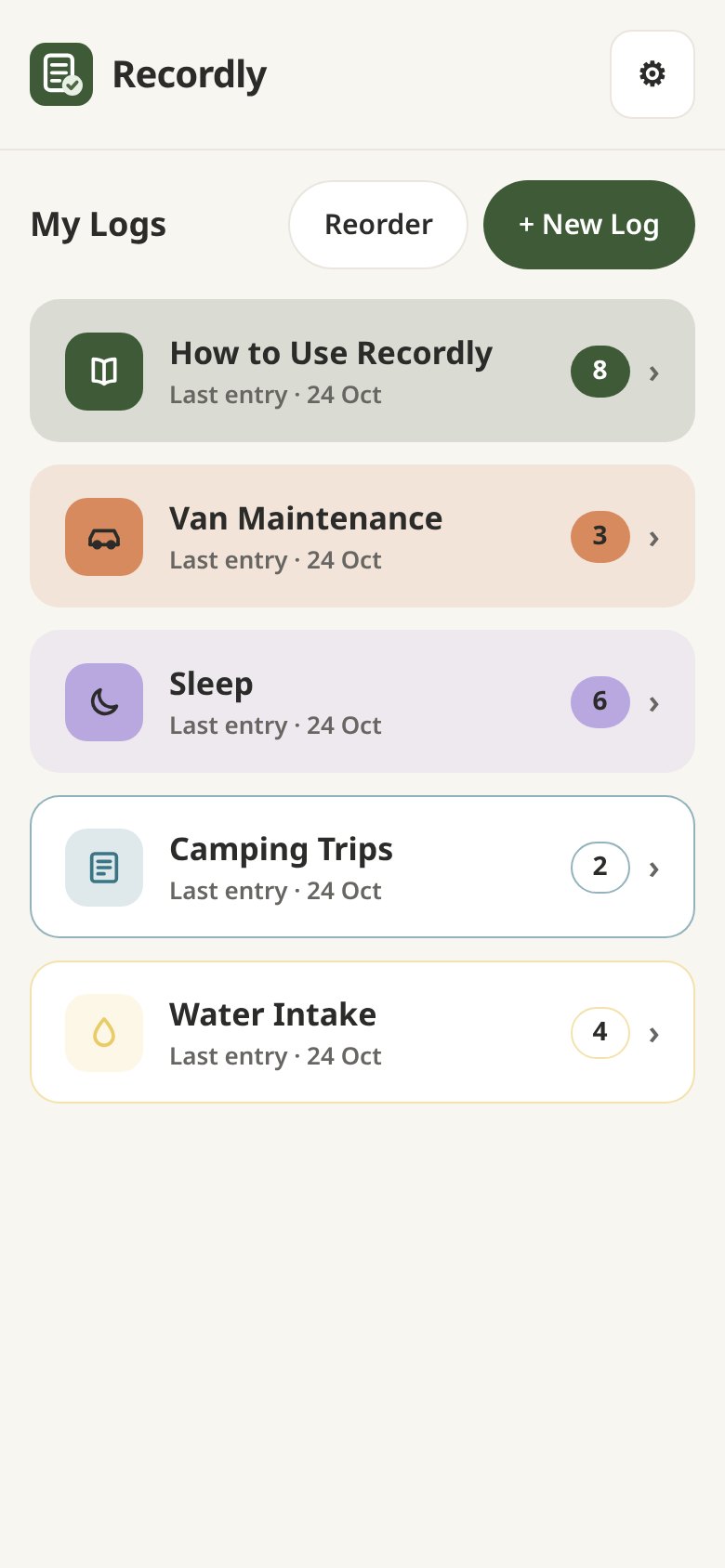
Give each log a colour, an icon and a soft-filled or outlined card, so you can spot it at a glance. Reorder them however you like.
Photos and search
Attach photos to entries and tap to enlarge them. Search inside a log to find that one receipt or reading.
Read aloud
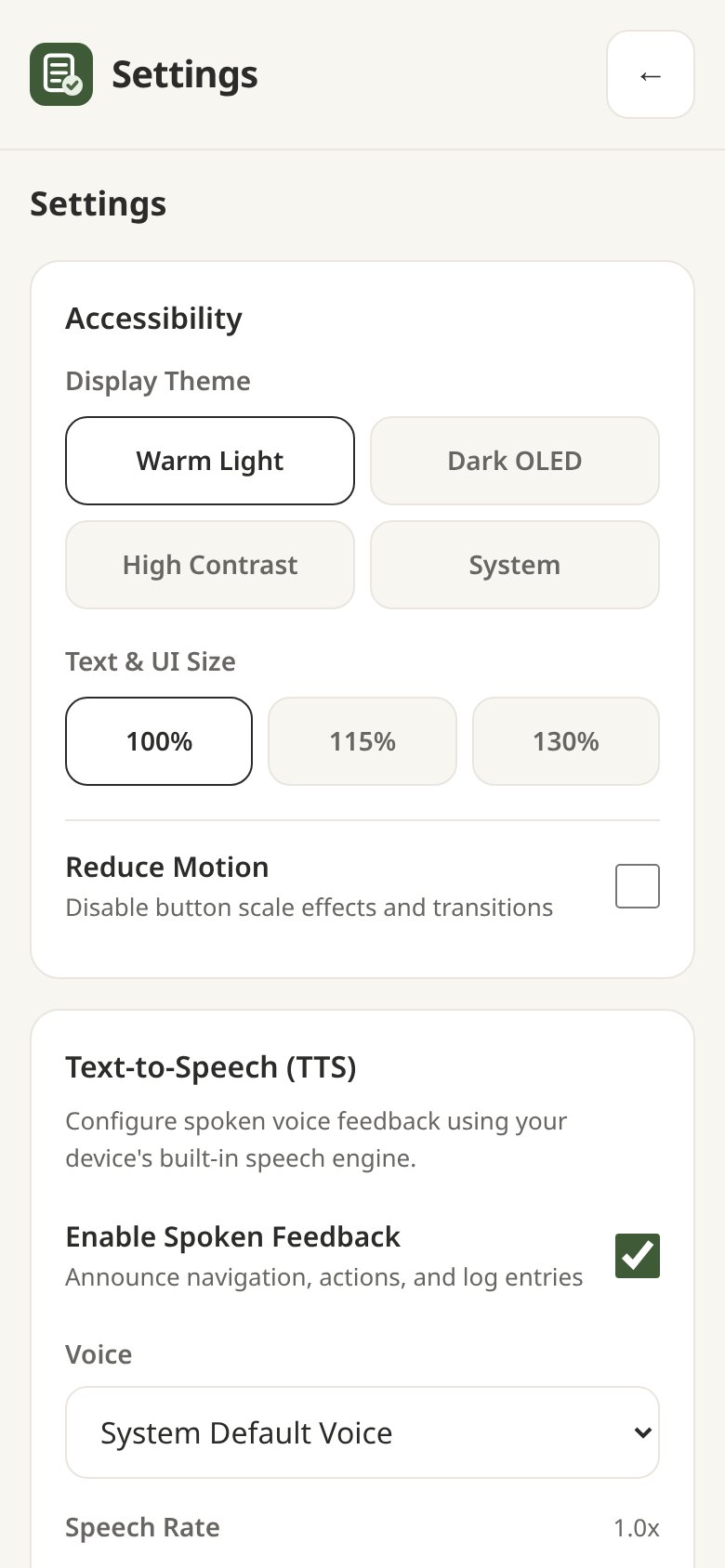
Turn on spoken feedback, choose a voice and set its speed and pitch. Tap Read Entry to hear any record.
Built to be readable
Warm Light, Dark OLED, High Contrast or System themes, text up to 130% and a Reduce Motion switch.
Export and back up
Print a log to PDF, export it as CSV or JSON, or save a full backup with photos. Restore lets you choose which version to keep when things differ.
A look inside
Real screenshots from the app, filled with sample logs.
How it works
Four steps from nothing to a log you'll actually keep.
Create a log
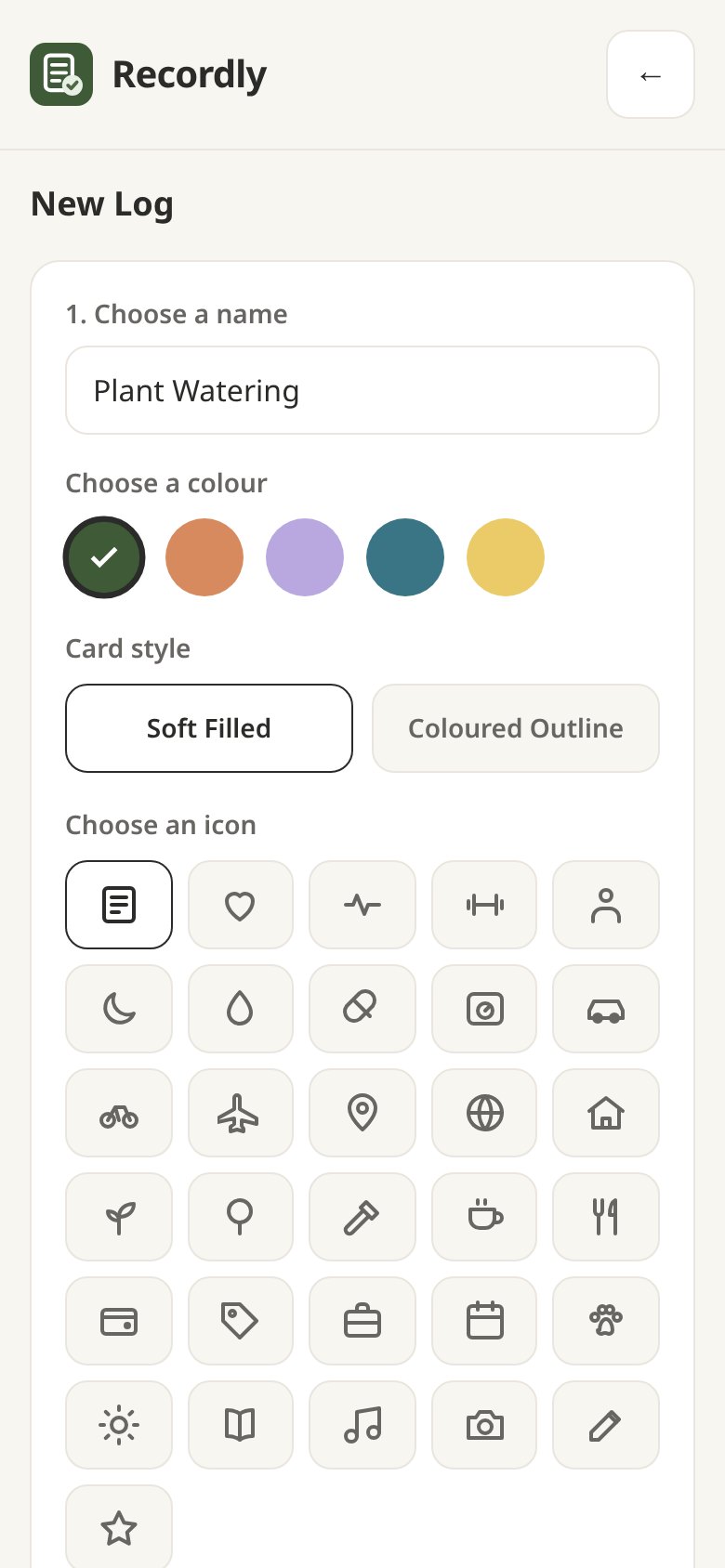
Tap + New Log, give it a name, a colour and an icon.
Add your fields
Pick the kinds of information you want to record. Dates and times can fill themselves in.
Add entries
Open the log and tap + Entry. Newest entries sit at the top.
Keep a backup
In Settings, tap Export Full Database now and then, and keep the file somewhere safe.
Install it like an app
Recordly installs from your browser. It gets its own icon, opens in its own window and works with no signal.
Android
Open Recordly in Chrome and tap Install at the top right of the app. Or use the browser menu and choose Install app.
iPhone and iPad
Open Recordly in Safari, tap Share, then Add to Home Screen.
Computer
In Chrome or Edge, click Install at the top right of the app, or the install icon in the address bar.
Your logs are saved in the browser on this device, not online. Clearing your browser's site data deletes them, so export a backup first. On iPhone, the home-screen app keeps its logs separately from Safari, so install it before you start logging, or move your logs across with Export and Restore.