QR Restorer
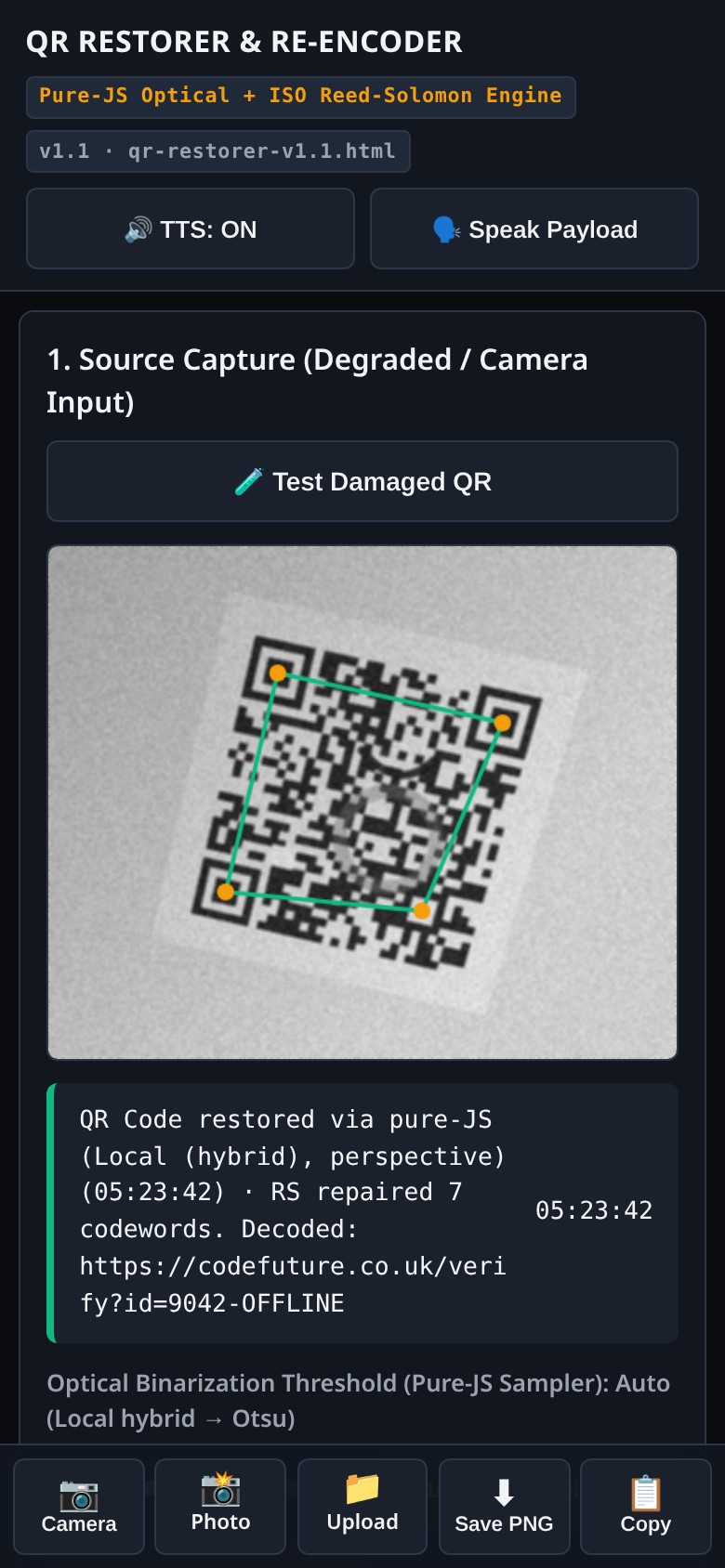
Point your phone at a damaged or blurry QR code, or upload a photo, and get a clean copy back. Free, no account, and it works offline once installed.
- Designed for phones
- Works offline
- No account
- Camera, photo or upload
 Made for phones
Scan the messy one, keep the clean one
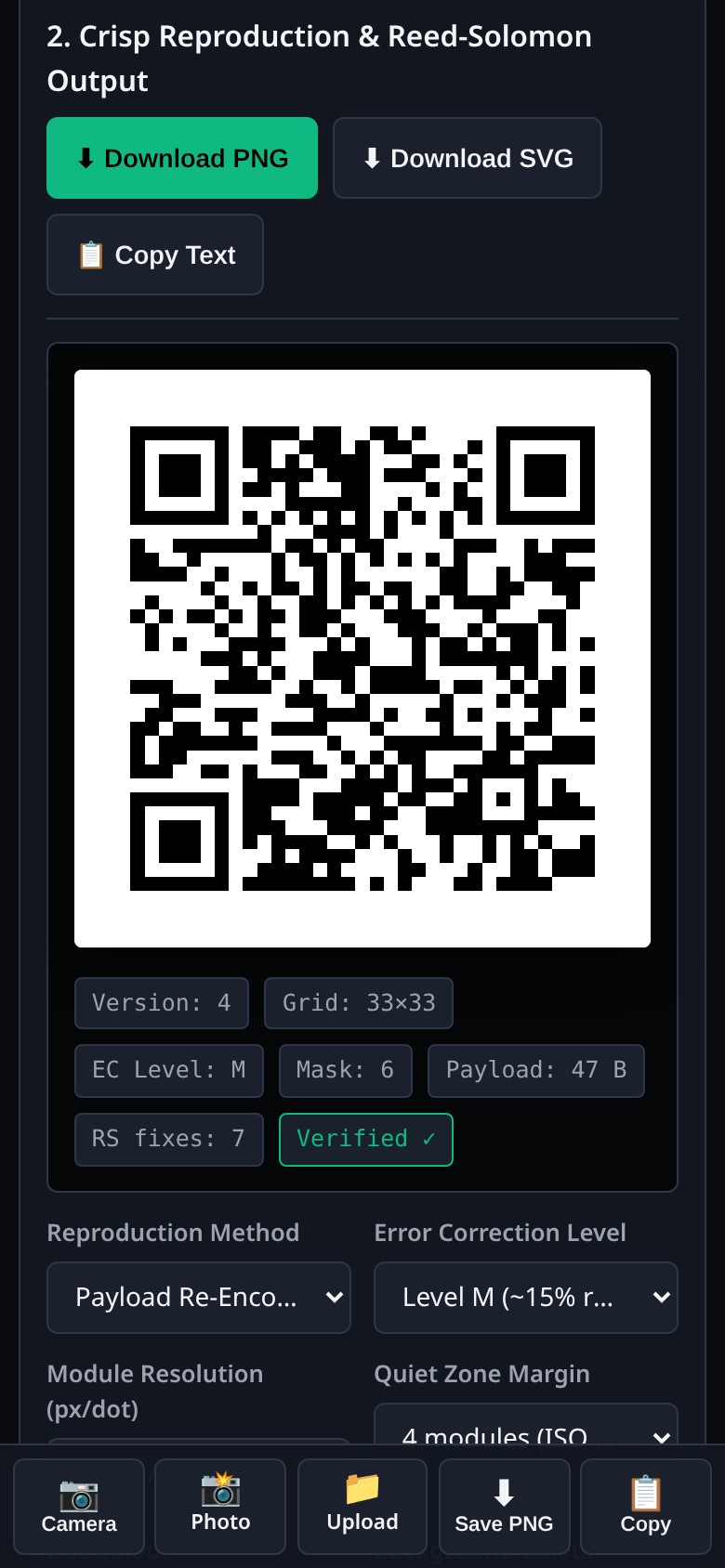
The app reads a damaged, rotated or low-contrast code, repairs it, and draws a crisp new QR you can save or share.
Camera, photo or upload
Point the rear camera at a code, take a photo, or pick an image from your gallery. Torch and zoom appear when the phone supports them.
Restores damaged codes
A built-in Reed-Solomon engine repairs missing or dirty modules, then checks the new code still decodes.
Clean PNG or SVG
Download a sharp copy, copy the text, or type a payload yourself to re-encode a fresh code.
History on this device
Real scans from the camera, a photo or an upload are saved on this phone only, up to fifty at a time.
Speak the payload
Optional voice feedback. Wi-Fi passwords are never read aloud.
Works offline
The scanner and encoder live in the app. Once it’s installed you can restore a code with no signal.
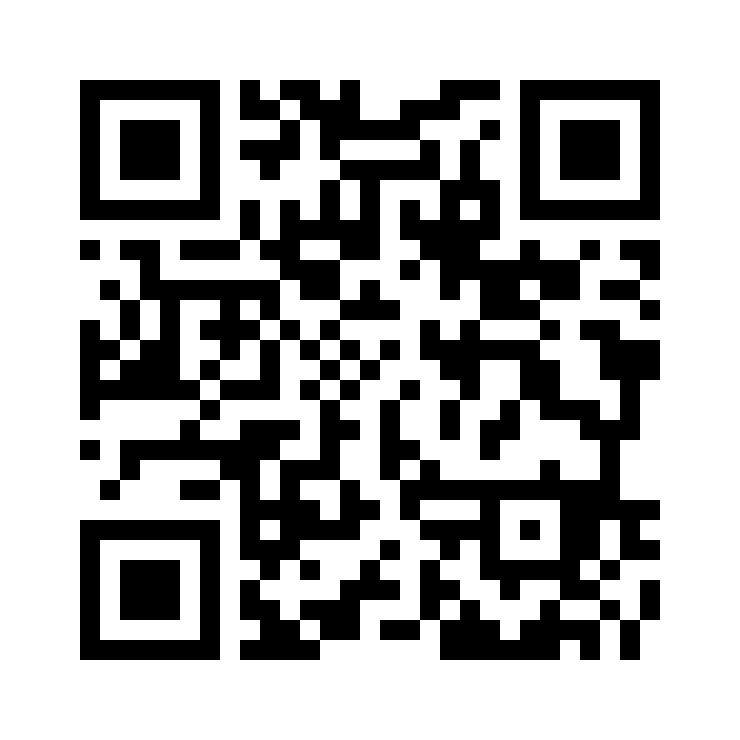
Scan this with your phone
QR Restorer is designed for phones. Point your camera at this code to open the app, then add it to your home screen. You can still try it in a desktop browser, but the camera and one-handed layout are meant for a phone.
Keep it on the home screen
QR Restorer is a web app you can install on your phone. Once it’s installed it opens like any other app and keeps working without a signal.
Android & Chrome
Open QR Restorer and tap Install in the header. If you don’t see it, use the browser menu → Install app.
iPhone & iPad
Open it in Safari, tap Share, then Add to Home Screen.
Computer
You can install it in Chrome or Edge if you want, but it’s built to be used on a phone. Scan the code above to open it there.