Cellar Tears
Down in a candle-lit cellar, one small, very sad kid fights back the only way he can: with tears. Clear rooms, grab strange items and cry your way past three floors of monsters to the boss at the bottom.
- Free
- No account
- Plays offline
- Best on a phone, held sideways
What's down there
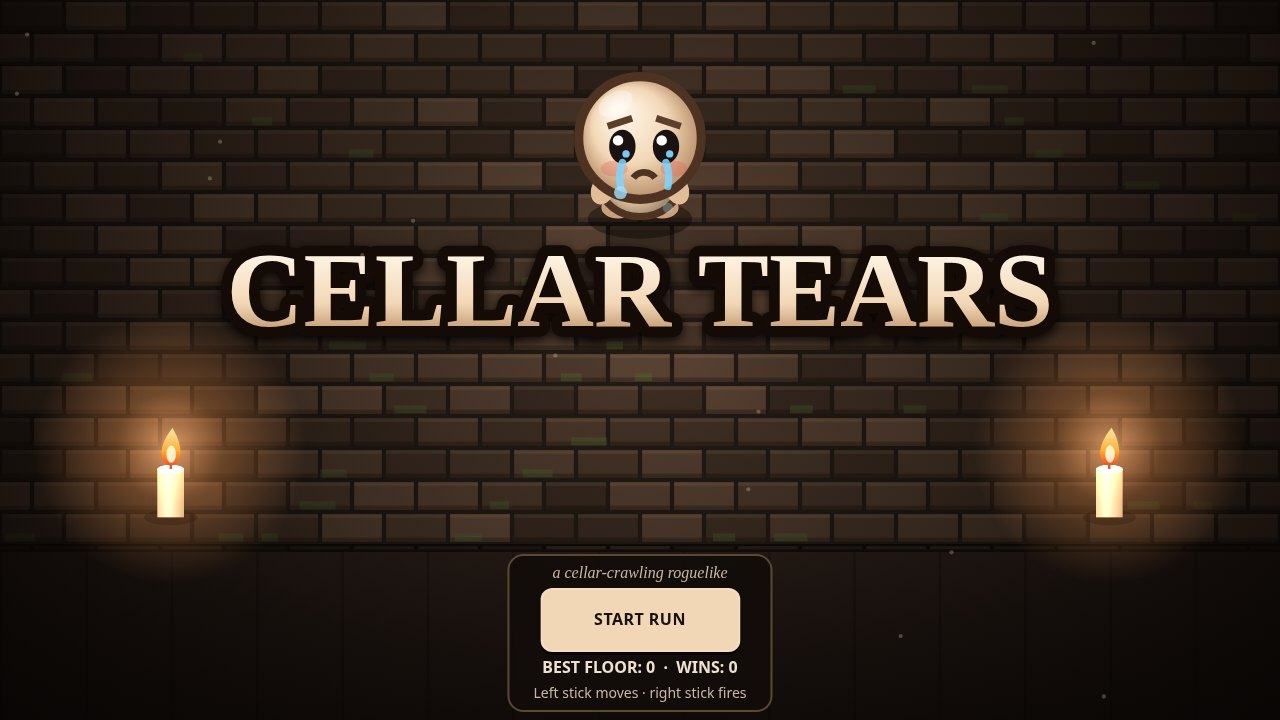
Every run builds a new cellar, so no two trips down the stairs are the same. Lose, and you start again from the top, a little wiser.
Three floors, three bosses
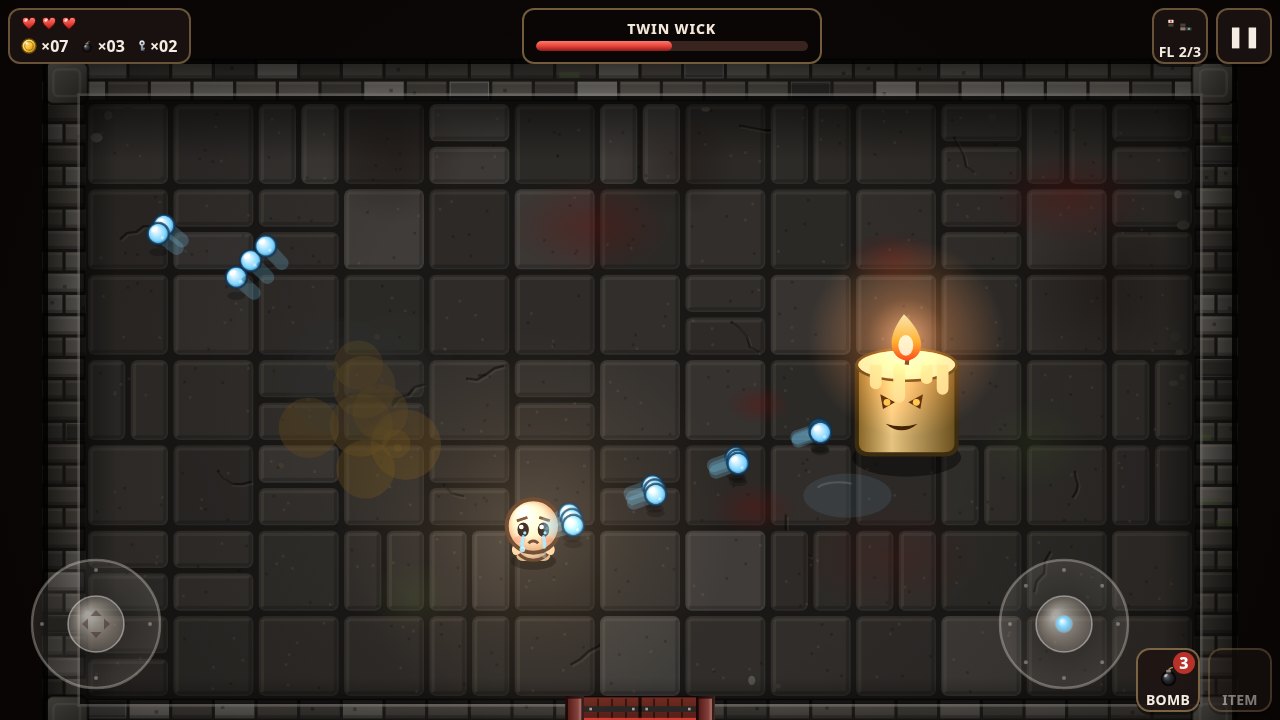
Each floor ends with a boss: Gutmaw, the Twin Wick and, at the very bottom, the Hollow Mother.
Twenty items that stack
Triple shot, homing, piercing, bouncing and ghost tears, and more. Find a few together and your tears get silly.
Shops and secret rooms
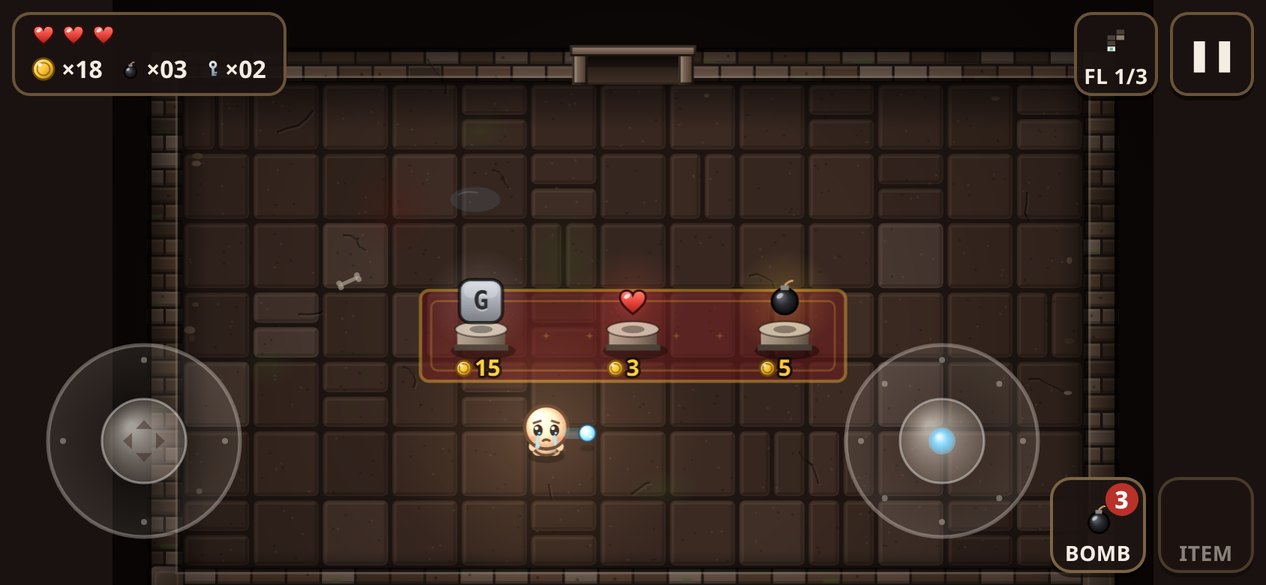
Spend coins in the shop, open locked doors with keys and bomb the walls to find hidden rooms.
Active items
Rage Candle, Tear Burst, Healing Flask and more. Clear rooms to charge them, then save one for a tight spot.
Made for thumbs
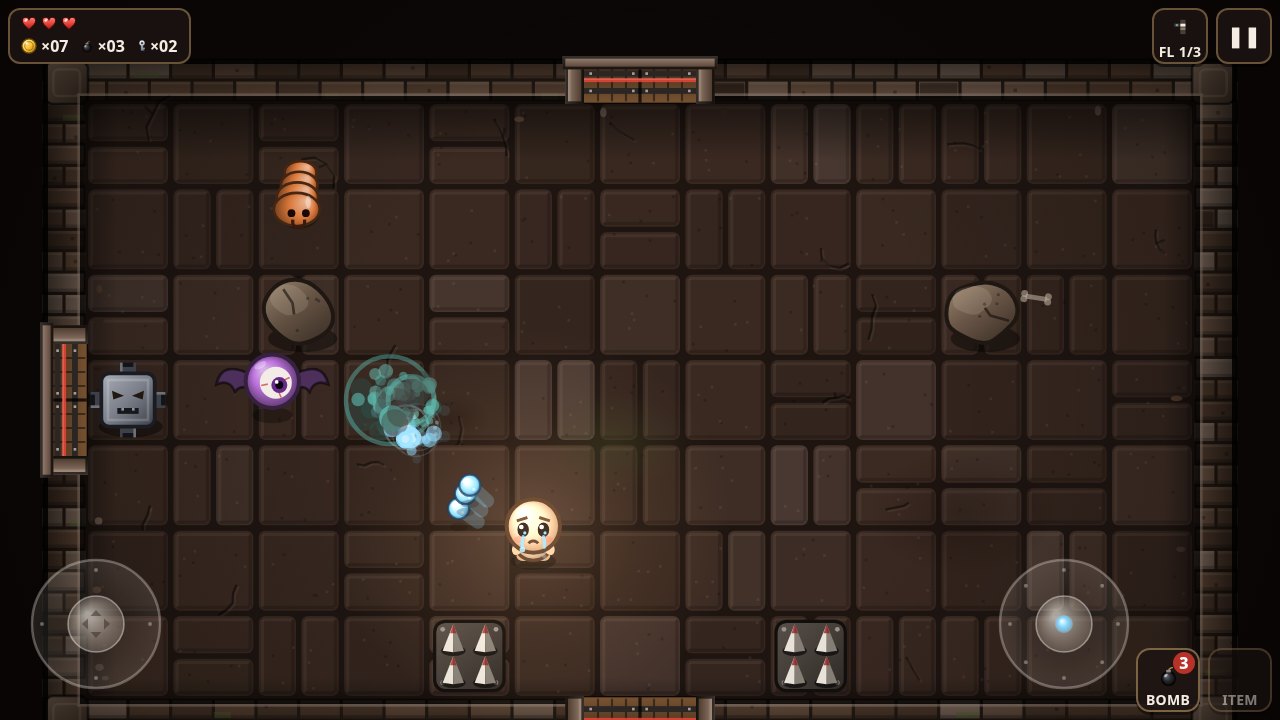
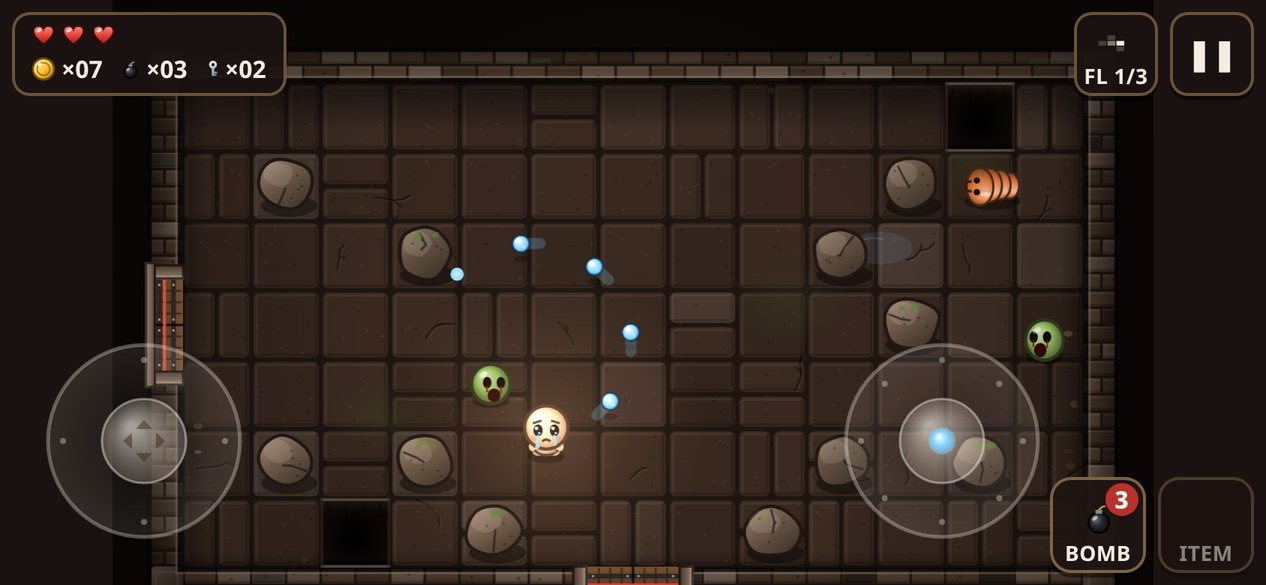
Twin-stick touch controls: left thumb moves, right thumb fires. Big buttons for bombs, items, the map and pause.
Plays offline
Install it and it runs with no signal. Your best floor and number of wins stay on your device.
A look inside
Real screenshots from the game.
How to play
Turn your phone sideways and you're ready.
Move and fire
Drag your left thumb to walk and your right thumb to cry in any direction.
Clear each room
Beat every monster to open the doors. Watch for spikes, pits and purple shots.
Grab items
Pick up items, coins, keys and bombs. Check the map to find the item room and the shop.
Find the boss
Beat the boss on each floor to go deeper. Win all three to finish the run.
Install it like an app
Cellar Tears installs from your browser. It gets its own icon, opens full screen and plays offline.
Android
Open the game in Chrome and tap Install at the top right of the title screen. Or use the browser menu and choose Install app.
iPhone and iPad
Open the game in Safari, tap Share, then Add to Home Screen.
Computer
In Chrome or Edge, click Install on the title screen or the install icon in the address bar.
The controls are built for touch screens. On a computer you can use a mouse, but you can only move or fire at one time.