Your books, on a screen that stays dark.
Open a folder of chapters or pick the files you already have. Audiobook Player remembers your place, keeps bookmarks, and puts play, pause and skip on the lock screen. Free, no account, and it works offline once installed.
- Free
- No account
- Works offline
- Your files stay on this device
Built for long listening
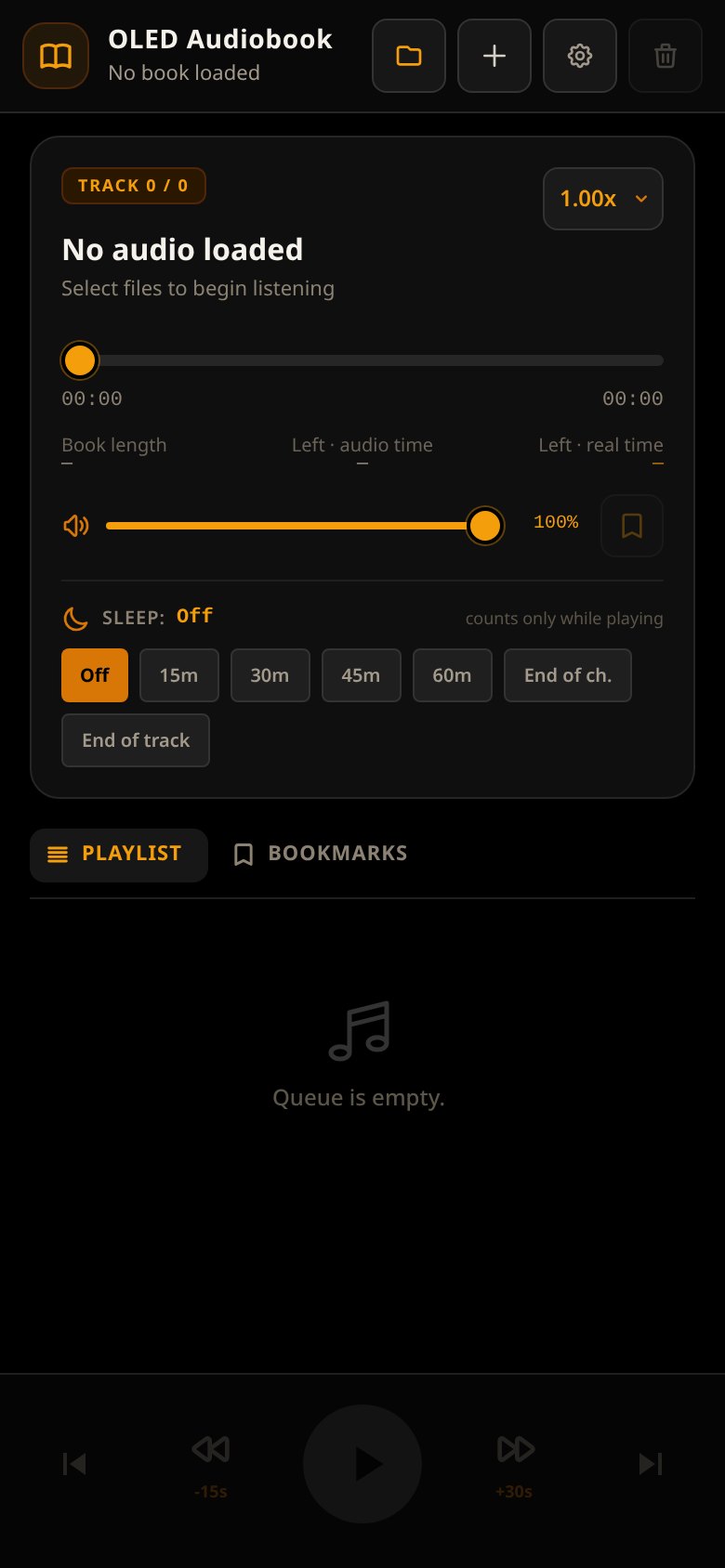
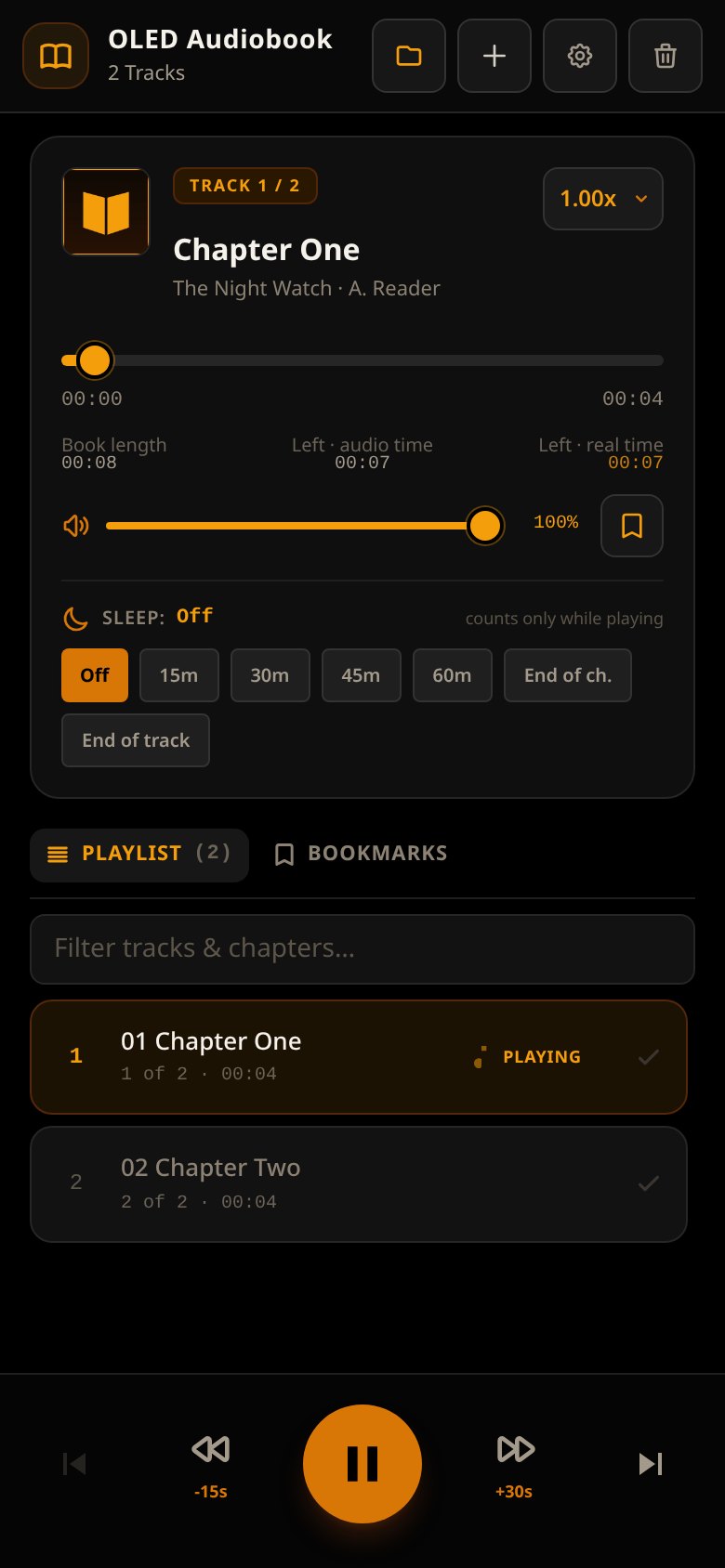
A single, dark screen for the book in your pocket. No store, no subscription, no cloud library — just the files you already own.
Folder or files
Open a whole folder of chapters, or add individual files. mp3, m4b, m4a, flac, ogg and more are supported, including chapter marks inside m4b files.
Pick up where you left off
Progress, playback speed and bookmarks are remembered for each book. After a long pause, it can rewind a few seconds so you don’t lose the sentence.
Sleep timer
15, 30, 45 or 60 minutes, or stop at the end of the chapter or track. The timer counts only while the book is playing, and fades out at the end.
Bookmarks and chapters
Drop a bookmark with an optional note, filter the playlist, and jump chapter to chapter. Cover art comes from the folder or the file.
Lock-screen controls
Play, pause, skip and seek from your lock screen or headset. Speed goes from 0.5x to 3x, with optional pitch preservation, voice boost and mono for a single earbud.
Progress backups
Export or import a JSON backup of your library, bookmarks and settings. Nothing is uploaded, and there’s no account to make.
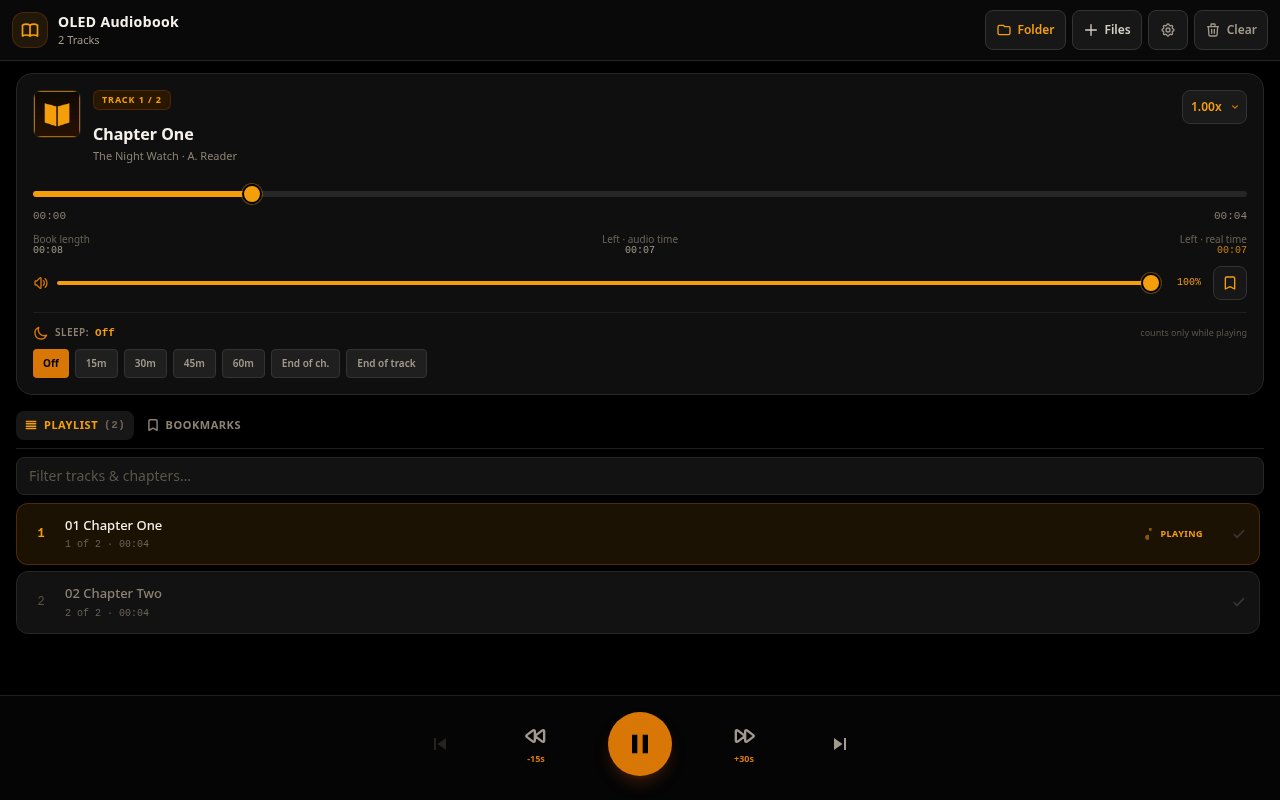
The same dark player, a wider screen
Keyboard shortcuts too: Space or K to play and pause, arrows to skip, J and L for the previous or next chapter, and up or down for volume.
Put it on your home screen
Audiobook Player is a web app you can install. Once it’s installed it opens like any other app and keeps working without a signal.
Android & Chrome
Open Audiobook Player and tap Install (the download arrow on a phone) in the top bar. If you don’t see it, use the browser menu → Install app.
iPhone & iPad
Open it in Safari, tap Share, then Add to Home Screen.
Computer
In Chrome or Edge, click Install in the top bar, or the install icon at the end of the address bar.
Your files stay with you. The app plays files from your device; it does not keep a copy of the audio itself. Progress, bookmarks and settings are saved in your browser on this device. On Chrome and Edge, you can reopen the last folder. In other browsers, pick the files again and your place is restored.